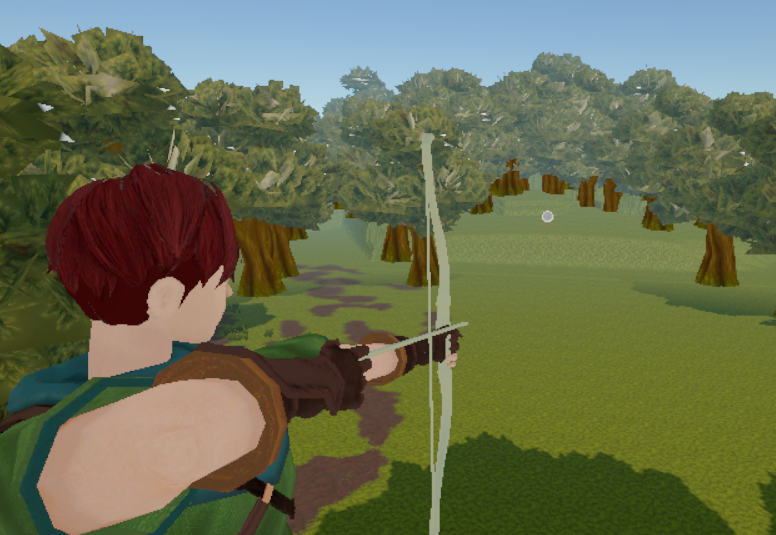
Archery
Controls
- Press and hold (mouse or touch) to draw the bow.
- While holding, drag to aim.
- Release to shoot.
That’s it. Simple input loop: press → hold → drag → release.
About This Project
This is a small one-day prototype created to experiment with and better understand Cinemachine camera workflows in Unity.
The core goal was to explore:
- Camera blending between multiple virtual cameras
- Shoulder/aim camera setup
- Dynamic framing while aiming
- A basic projectile follow camera
The gameplay is intentionally minimal. The focus is not on mechanics depth, progression, or polish, but on camera transitions and control flow.
What’s Missing (On Purpose)
Since this was built in a single day, many elements are either simplified or not implemented yet:
- Post-processing
- Particle effects
- Sound design
- UI feedback
- Proper hit reactions
- Gameplay progression
- Overall polish
These could be added later if I decide to expand the prototype, but for now the project serves as a technical sandbox.
Purpose
This prototype is part of my ongoing learning process.
It’s not meant to be a full game — it’s a focused technical exercise.
Thanks for checking it out.